
01
VIN check
Enter a vehicle's VIN to start looking beyond the listing's sales pitch.

 Free basic VIN checkSee tools
Spot the trap before buying. A mobile web app for car shoppers: enter a VIN or upload a listing screenshot for a shareable scorecard with mechanical red flags and negotiation leverage.
full negotiation script, live market comps, and pre-purchaseFrom $9.99
A good listing tells one story. Check the mechanical risks, recall history and market context before you make an offer.
Surface potential mechanical time bombs behind that tempting listing.
See recall history as part of your deal review.
Compare the asking price with live market comps.
Turn the review into specific points to raise with sellers.
Start with a basic VIN check. Get negotiation help when you want to take the deal further.
Enter a vehicle's VIN to start looking beyond the listing's sales pitch.
Upload a Facebook Marketplace or dealer listing screenshot for a Deal or Trap scorecard.

Get a full script and live market comps to help frame your offer.

Bring a pre-purchase checklist to the mechanic before committing to the car.

Go beyond the listing with a shareable scorecard and concrete negotiation help.
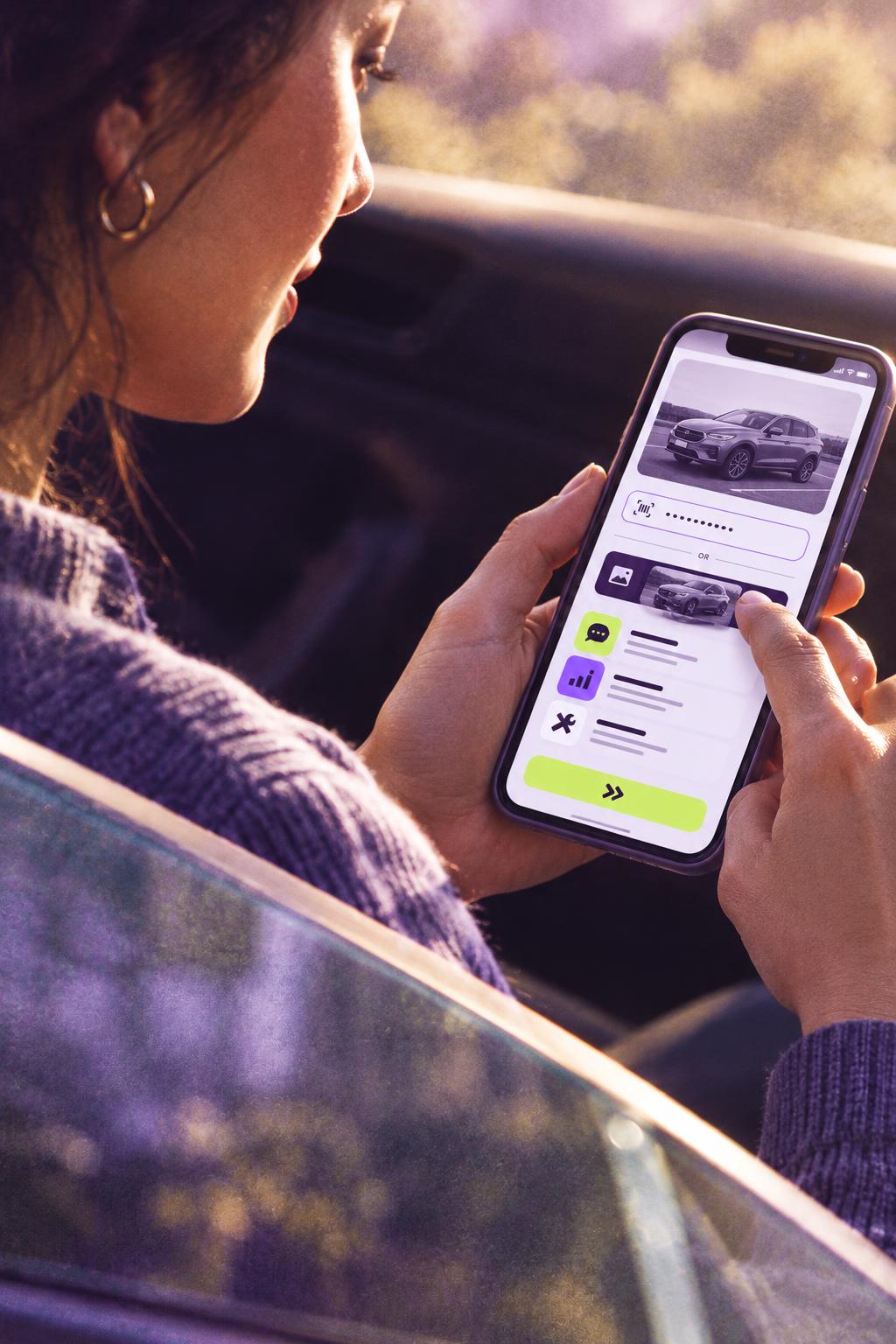
Enter a VIN or upload a listing screenshot. Get a Deal or Trap scorecard highlighting mechanical risks, recalls and negotiation leverage.
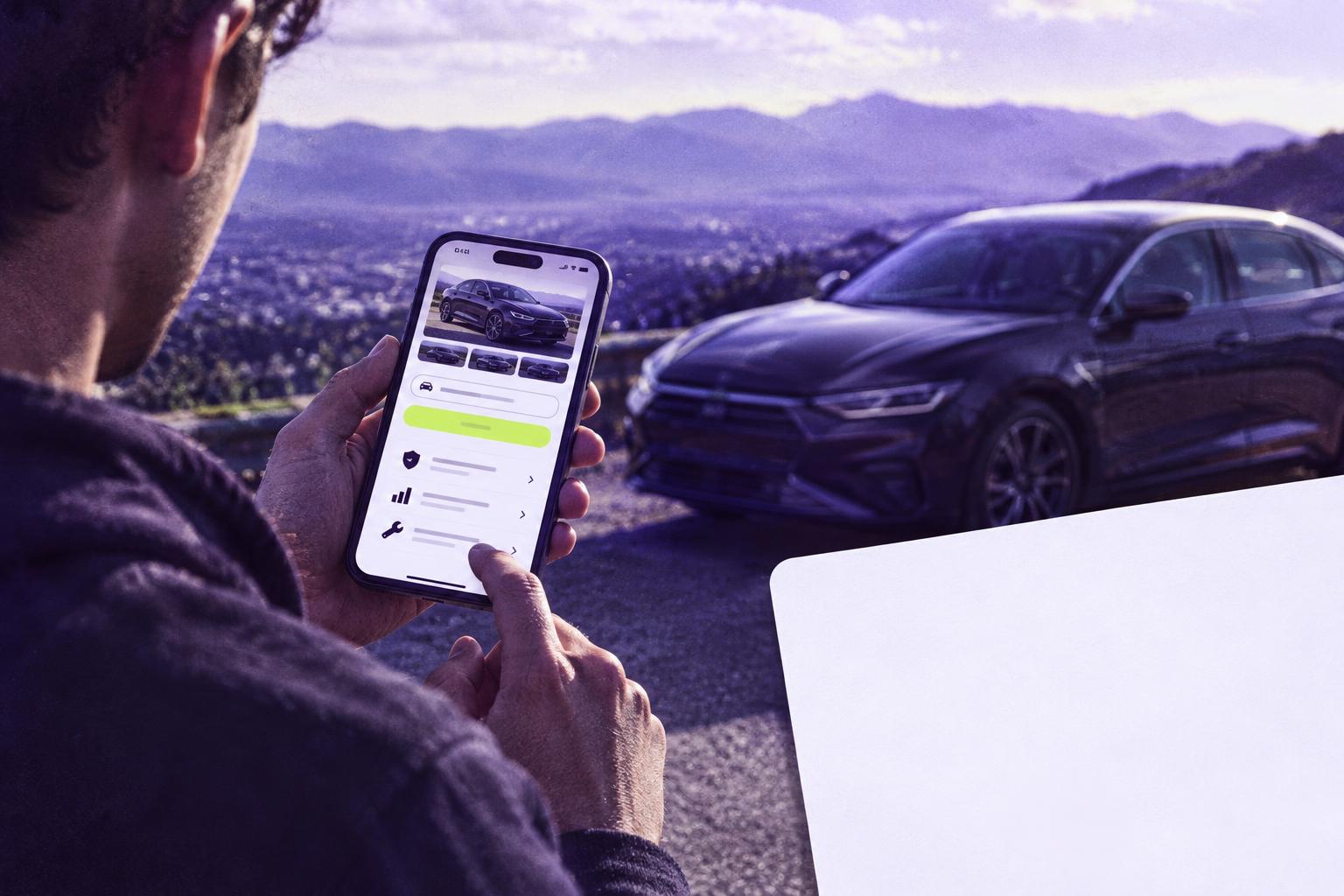
Take live market comps, a full negotiation script and a mechanic checklist into the next stage of your car search.
Start with the car you're eyeing, then use the review to decide what to ask next.
The basics on inputs, scorecards and negotiation help.
Enter the vehicle's VIN or upload a screenshot of a Facebook Marketplace or dealer listing. Car Red-Flag uses that input to generate a deal scorecard.
The shareable Deal or Trap scorecard highlights potential mechanical time bombs, recall history and specific negotiation leverage.
Yes. A basic VIN check is free. The paid package adds a full negotiation script, live market comps and a pre-purchase mechanic checklist.
The package ranges from $9.99 to $19.99. Use the quote request to ask about the VIN-based deal review and negotiation help you need.
The package includes a pre-purchase mechanic checklist, not a physical inspection. Use it to guide what you discuss with a mechanic before buying.

Get a VIN-based review and negotiation help before that tempting listing turns into your next car.
Get a quote